
Google Workspace productivity & collaboration tools
A complete overview of Google’s tools for email, chat, video meetings, files, documents, calendars, tasks and team workflows.

Communication tools
Email, chat & meetingsGoogle Workspace apps that help teams communicate by email, instant messaging, and video meetings.

A secure, smart email service with powerful spam protection, labels, filters, search and integrated chat and Meet features.
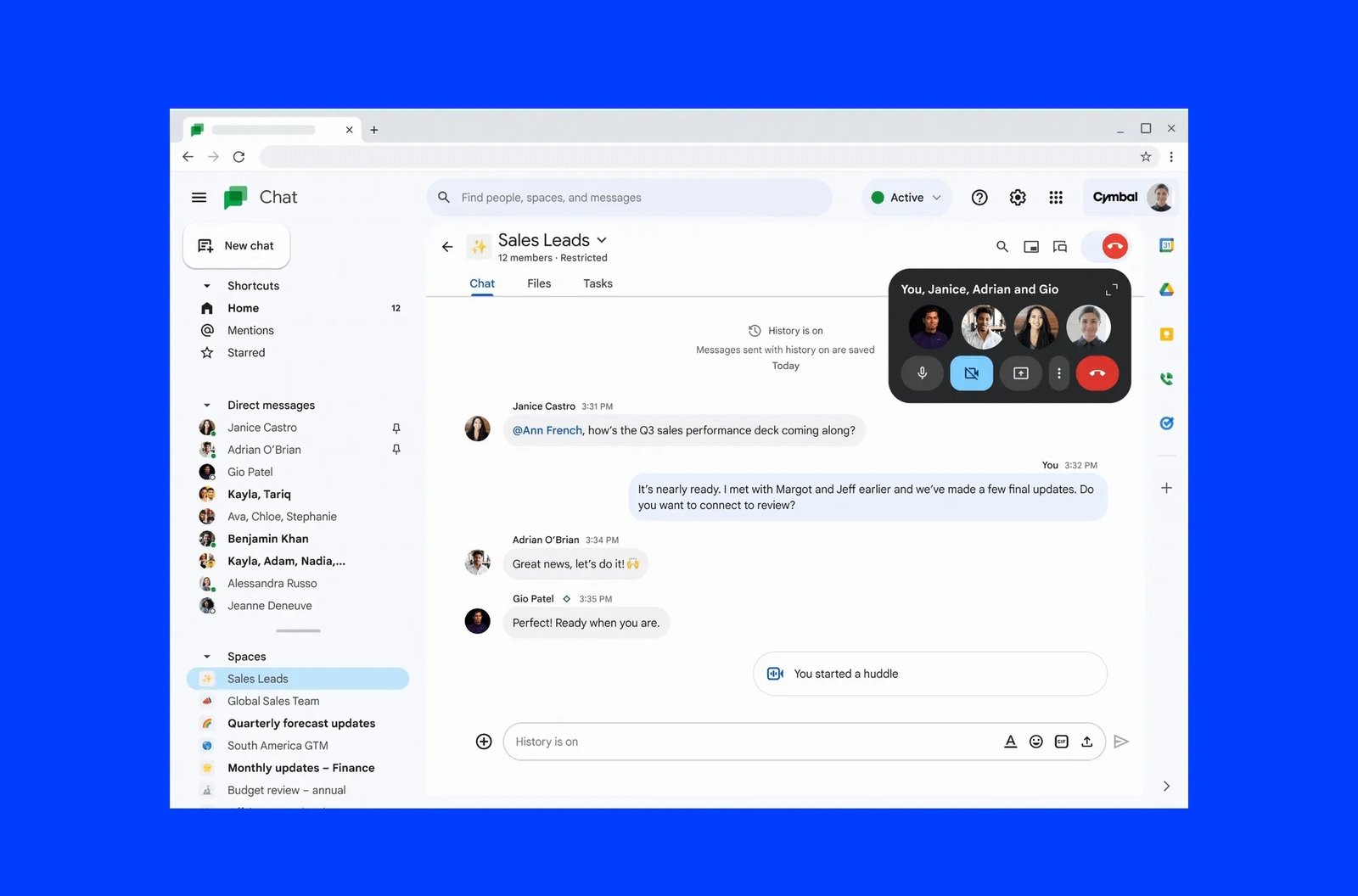
A messaging app for teams with one-to-one messages, group conversations, Spaces, file sharing and bot integrations.

A secure video conferencing tool for online meetings, with screen sharing, recordings, live captions and breakout rooms.
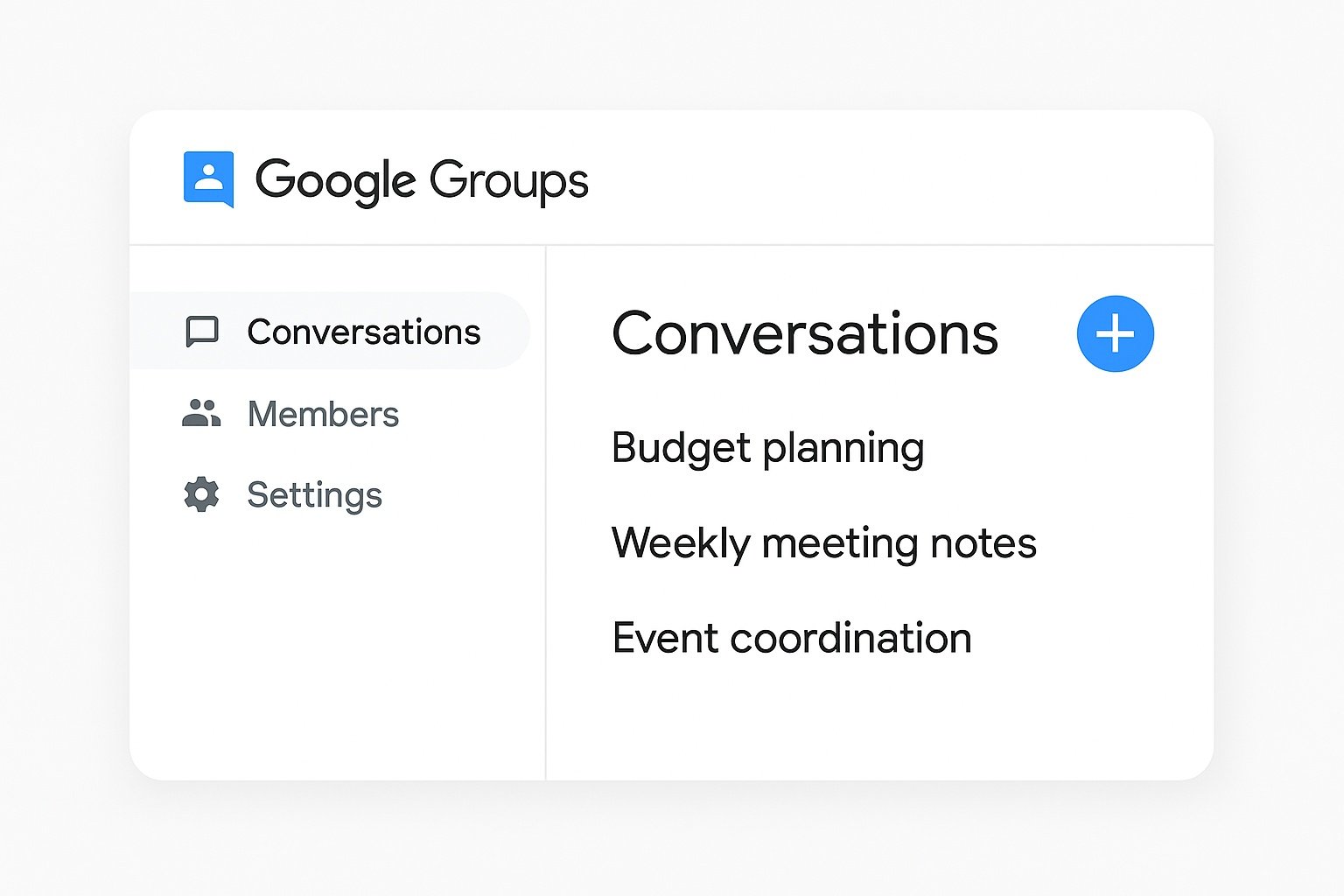
A tool to create email groups, discussion forums and collaborative inboxes for teams or communities.
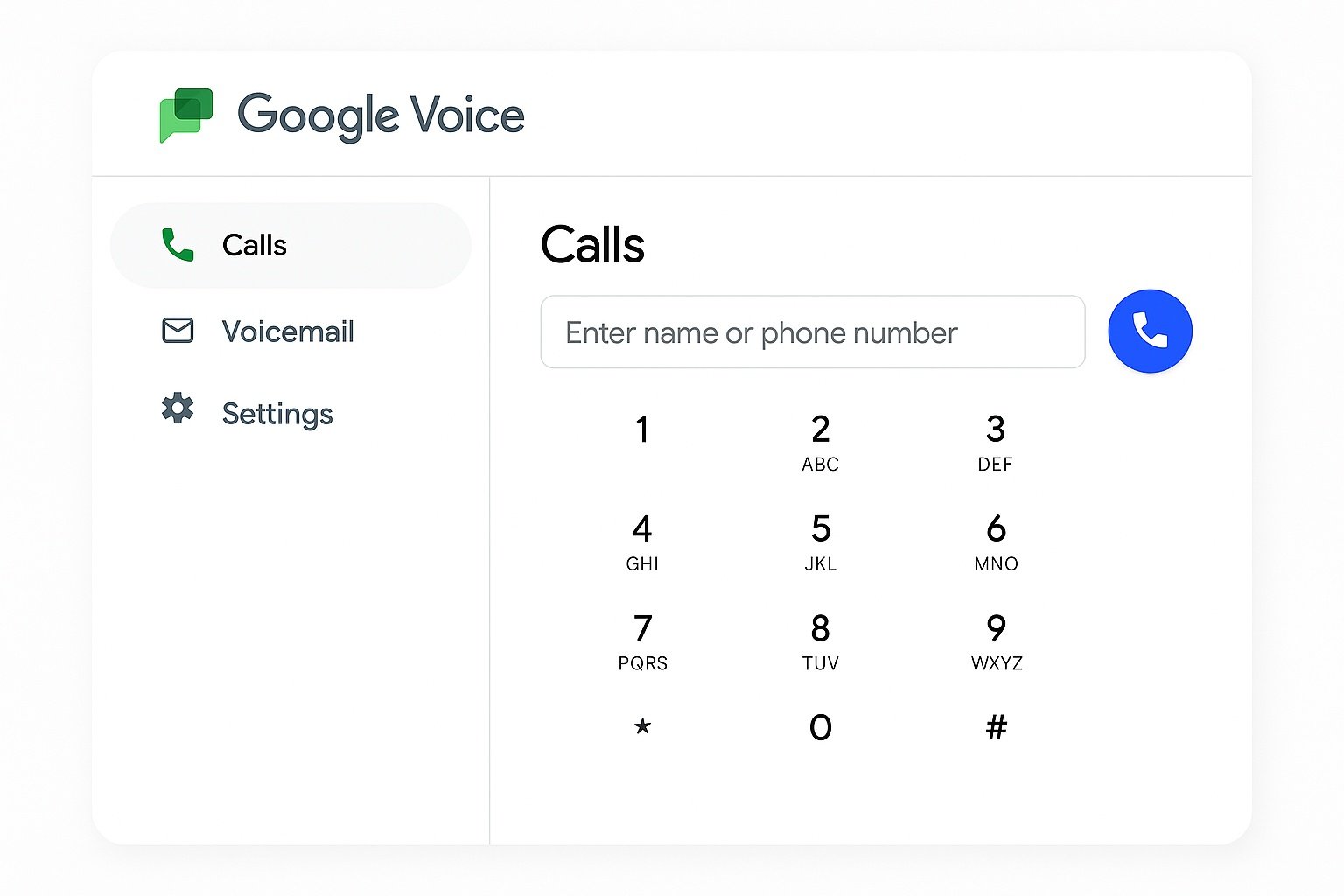
A cloud-based phone service for calls, voicemail and SMS, integrated with Google Workspace.
Storage & file management
Files & backupGoogle services used to store, sync, organize and back up files in the cloud.
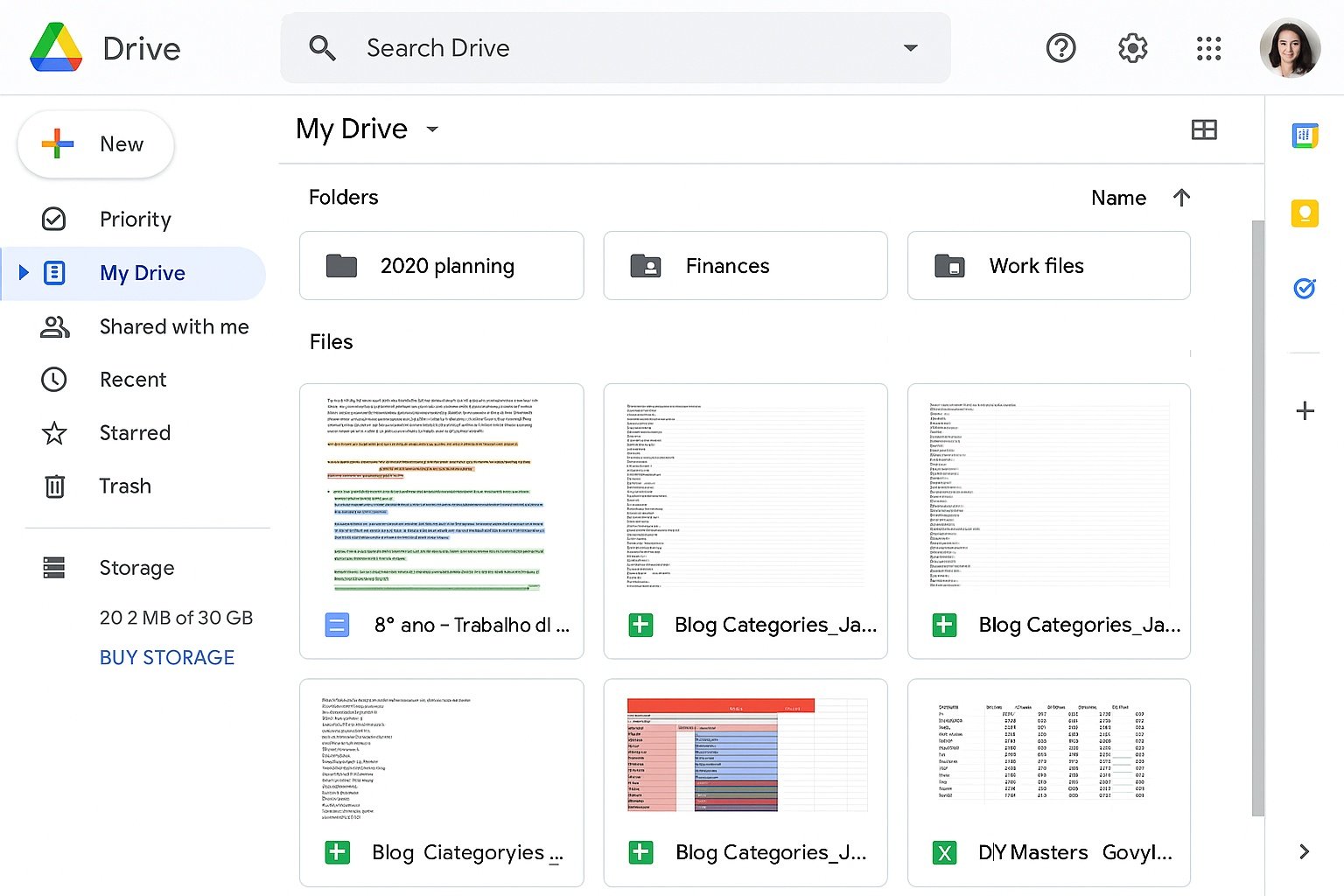
Cloud storage for files, folders and Google Docs, with sharing, search and advanced access controls.
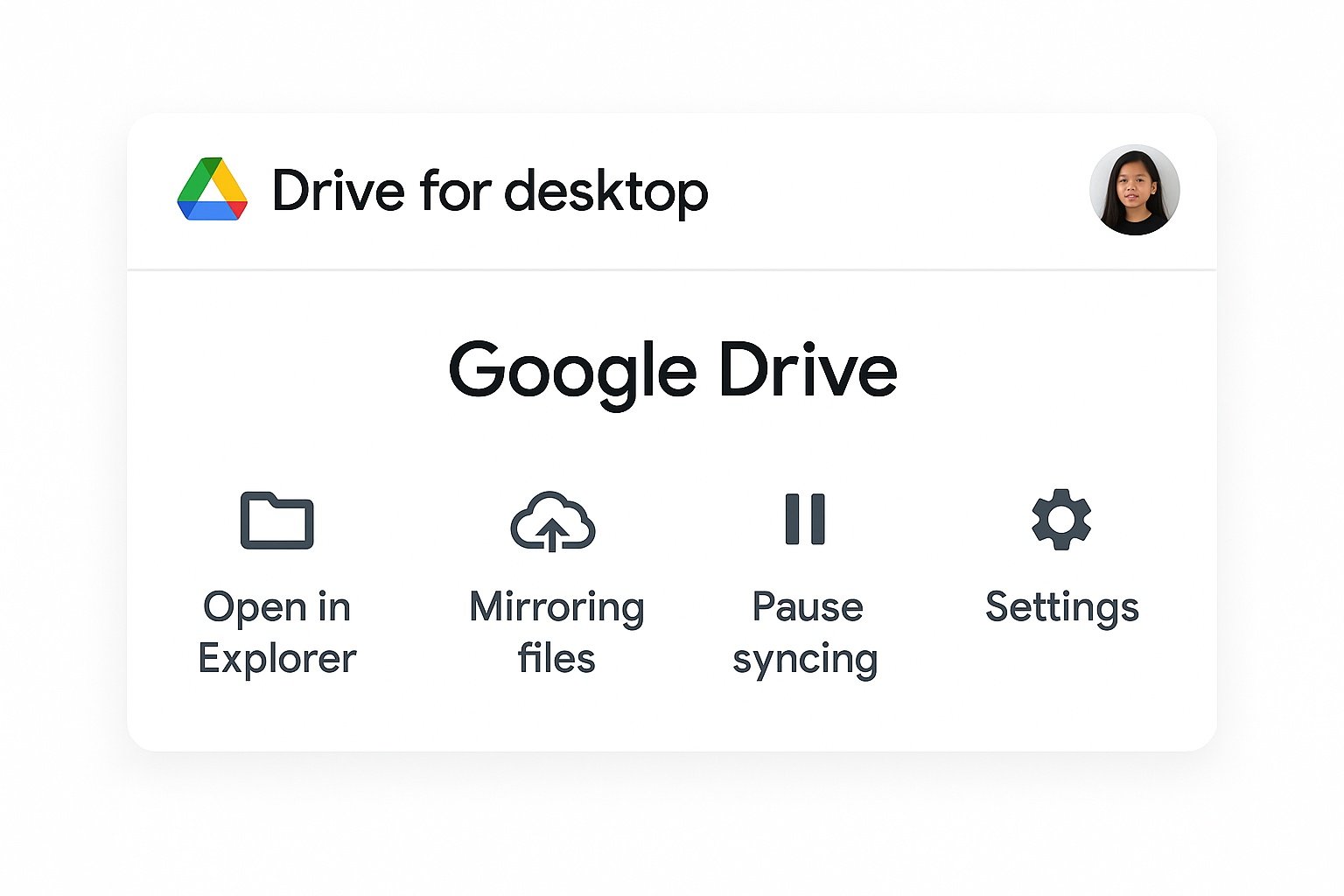
A desktop application that syncs files between your computer and Google Drive, with streaming and mirroring options.

Team-owned spaces in Google Drive where files belong to the team instead of individual users.
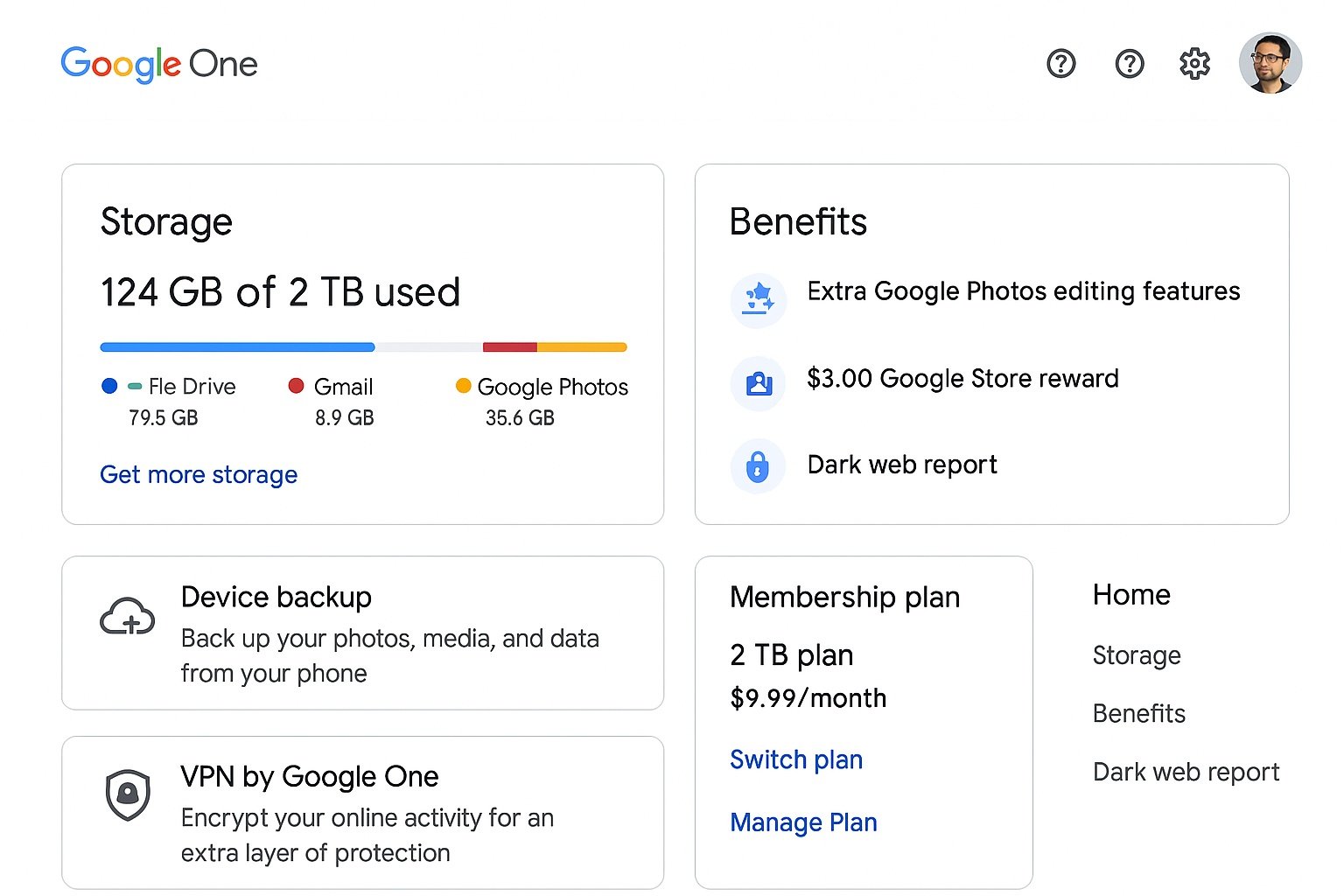
A subscription that provides extra storage for Google Drive, Gmail and Google Photos, with family sharing and support.
Documents & content creation
Docs, Sheets, Slides & moreGoogle apps used to create and collaborate on documents, spreadsheets, presentations and other content.

An online word processor for creating, editing and collaborating on text documents in real time.

A cloud-based spreadsheet app for calculations, data analysis, dashboards and collaboration.

A presentation tool to create, edit and present slides, with themes, animations and collaboration.
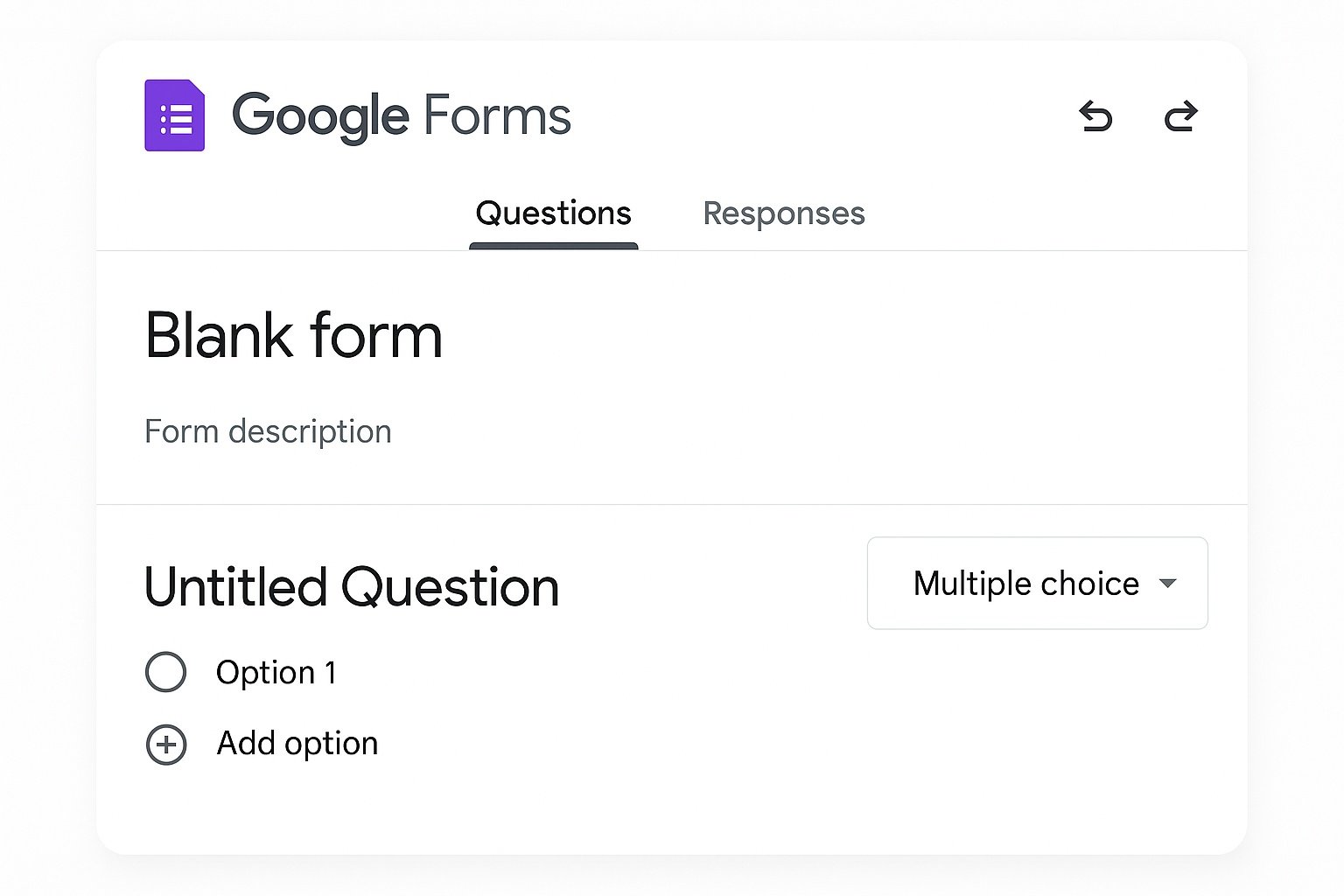
A tool to create forms, surveys and quizzes with automatic response collection in Google Sheets.

A simple website builder to create intranet pages, project hubs, documentation sites and more.
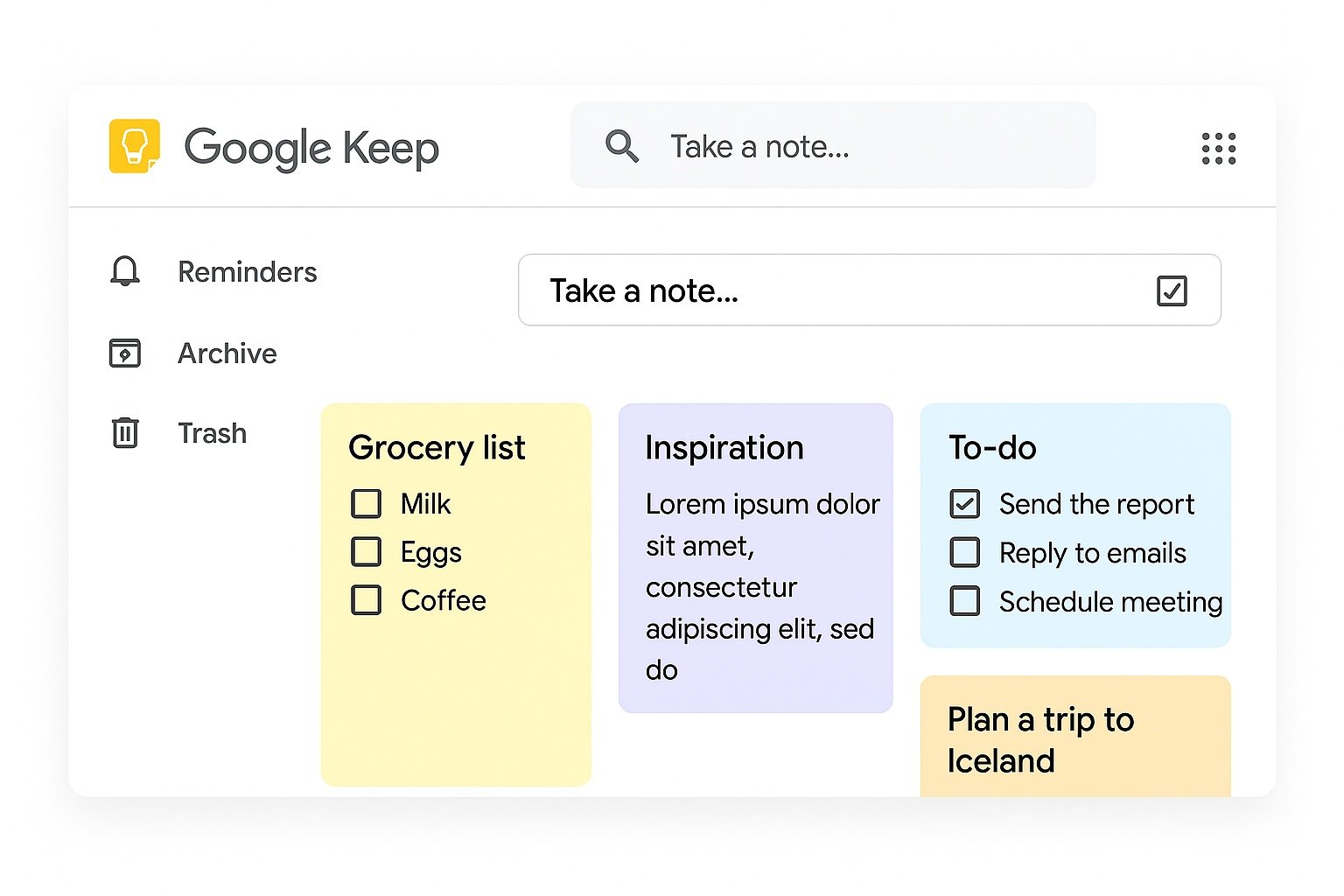
A note-taking app for quick ideas, to-do lists, checklists and reminders synced across devices.
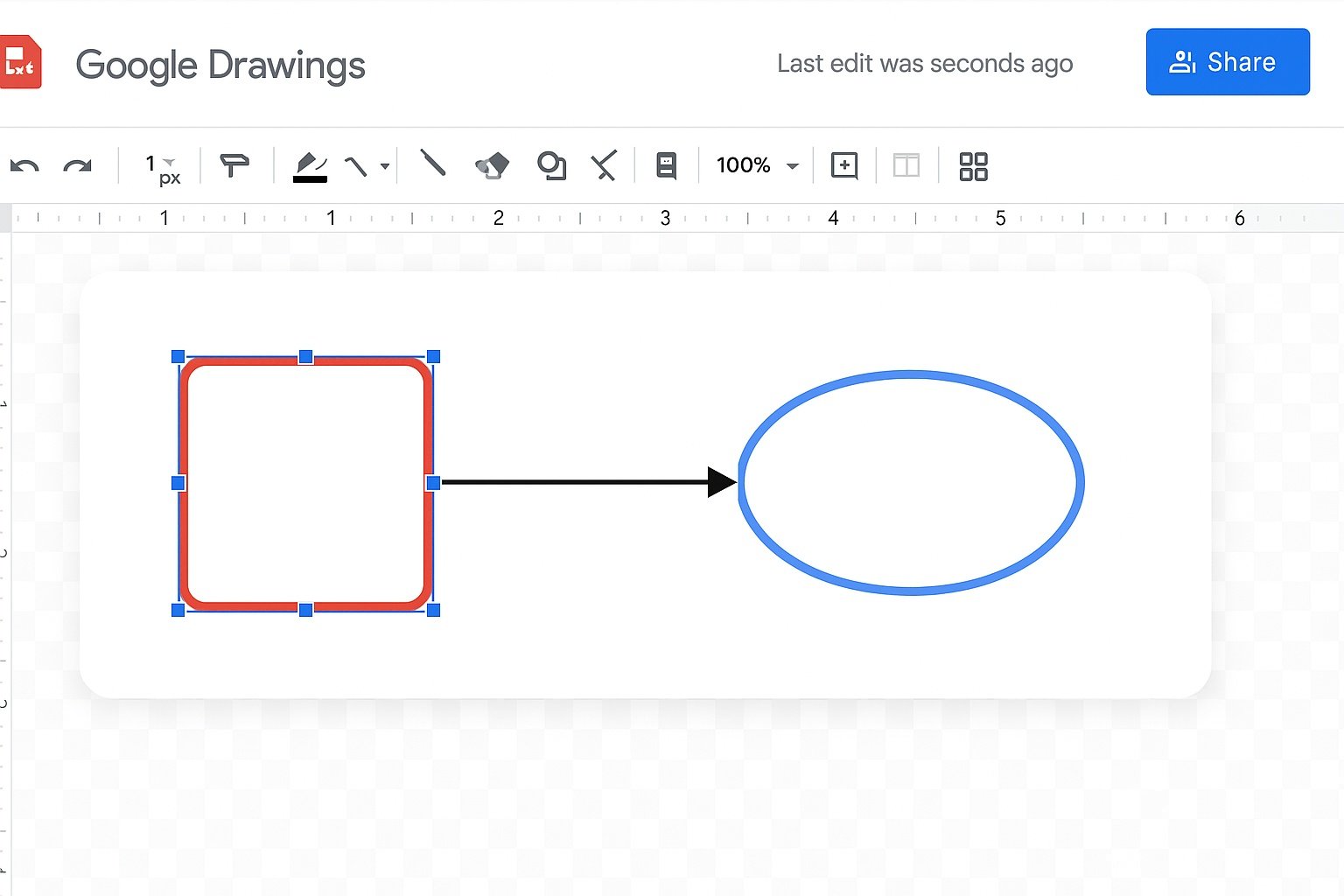
A basic diagram and drawing tool for flowcharts, mind maps, wireframes and illustrations.

A digital whiteboarding tool for brainstorming and visual collaboration (being phased out, but still used in some organizations).
Productivity & workflow
Tasks, time & organizationGoogle tools that help manage time, tasks, classes, users and apps across an organization.
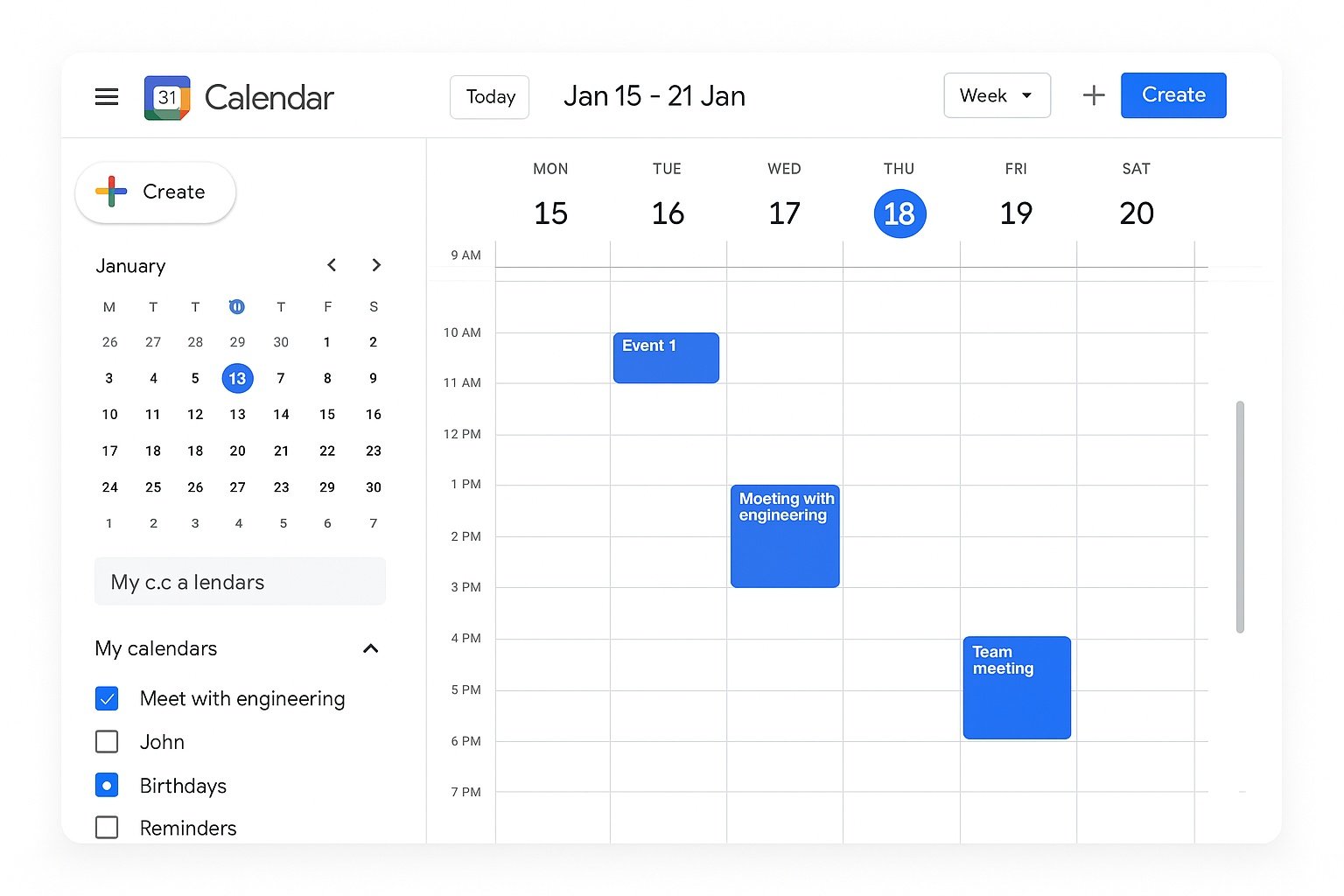
A shared calendar service to schedule events, meetings and reminders with time zones and availability.

A simple task manager integrated into Gmail, Calendar and the Workspace side panel.

A central place to store and manage personal and organizational contacts across Workspace apps.
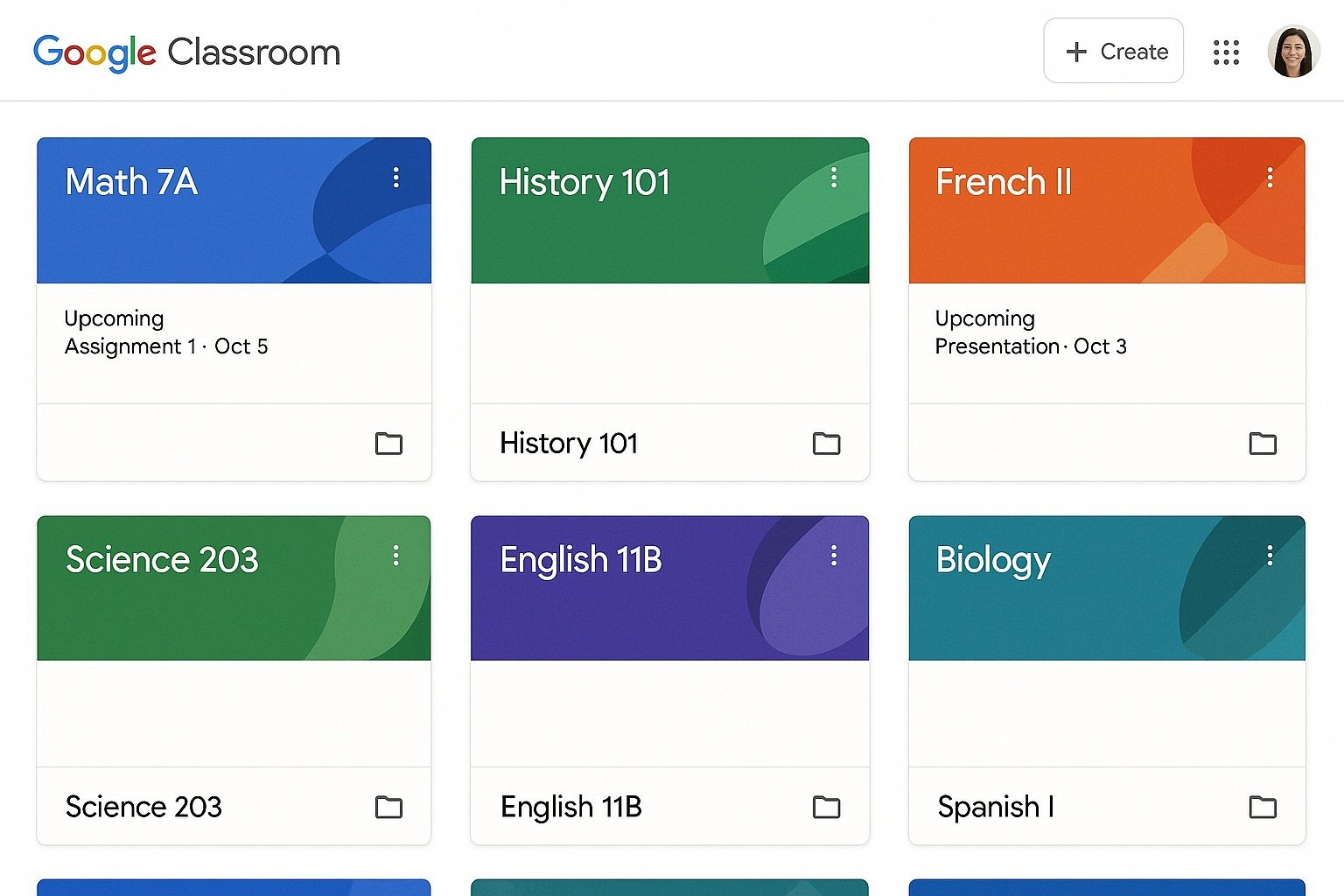
A classroom management tool for teachers and students to distribute assignments, collect work and communicate.

The central console where administrators manage users, groups, devices, apps and security settings.
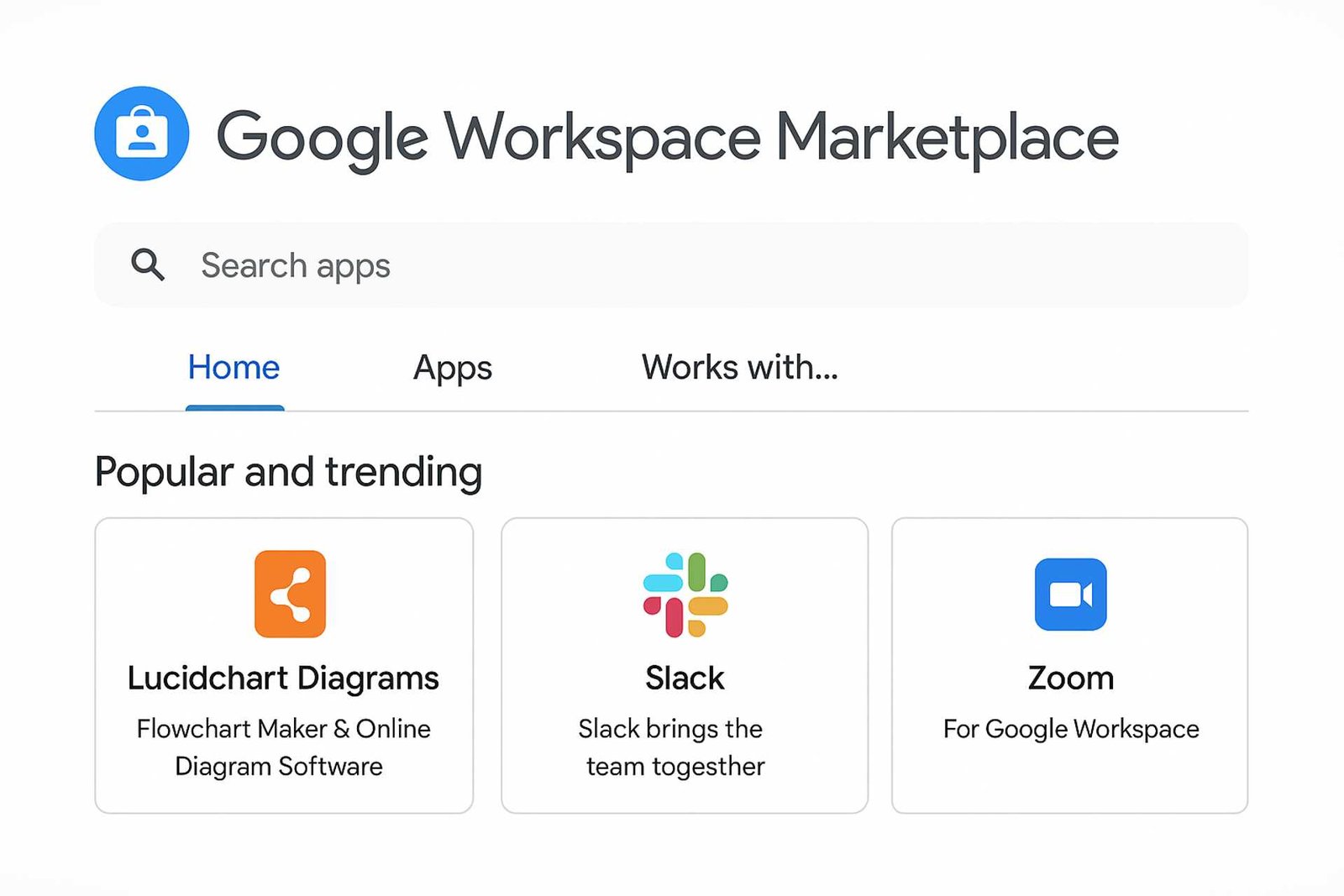
An online store for apps and add-ons that integrate with Gmail, Drive, Docs, Sheets, Calendar and more.
Collaboration & sharing features
Workspace featuresKey collaboration features that are available across Google Workspace apps to help teams work together.

Multiple people can edit Docs, Sheets, Slides and other files at the same time with live cursors and instant changes.

Add comments, assign action items, and use Suggesting mode to propose edits that can be accepted or rejected.
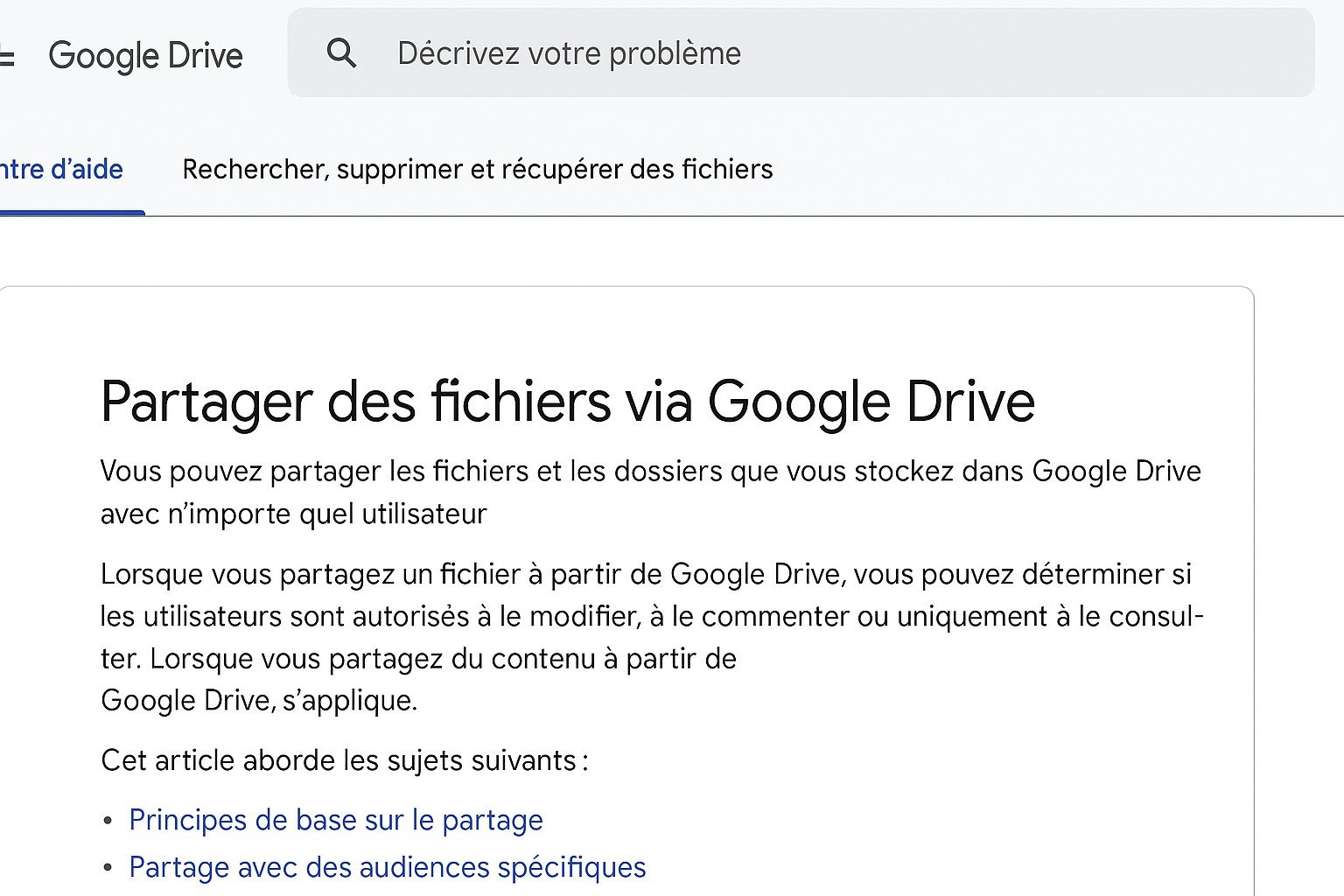
Flexible sharing options in Drive to control who can view, comment or edit files and folders.
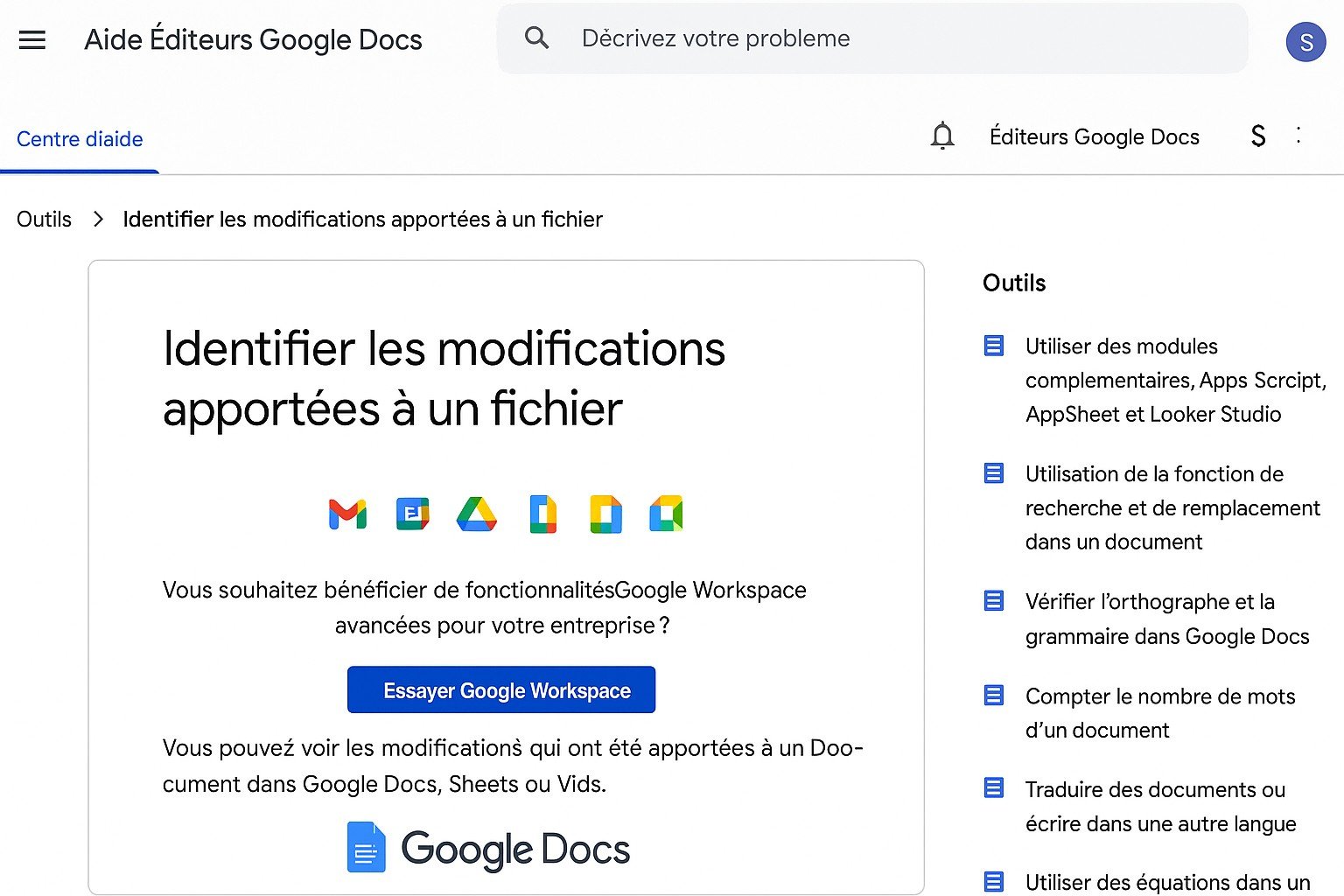
A detailed history of changes for Docs, Sheets, Slides and other files, with the option to restore earlier versions.
Allows you to edit Docs, Sheets and Slides without an internet connection. Changes sync when you go back online.

Collections of ready-to-use templates in Docs, Sheets, Slides and Forms for resumes, project plans, invoices and more.